Book a meeting
Case · Ventilation & HVAC

Air Masters

An industrial website and a custom CRM project covering the office, project management and teams on site.

Air Masters – desktop
Air Masters – gsm
ClientAir Masters
SectorVentilation & HVAC
Region–
Websiteairmasters.be

Our role

  • Strategy and structure
  • Web design
  • Development
  • Hosting and maintenance

For Air Masters we designed and built a custom website that fits the business and guides visitors smoothly towards contact or a request.

What we delivered

  • Fully optimised for phone and tablet
  • Foundations for Google visibility
  • Secure connection (SSL) and fast hosting

From ventilation projects to site operations

Website

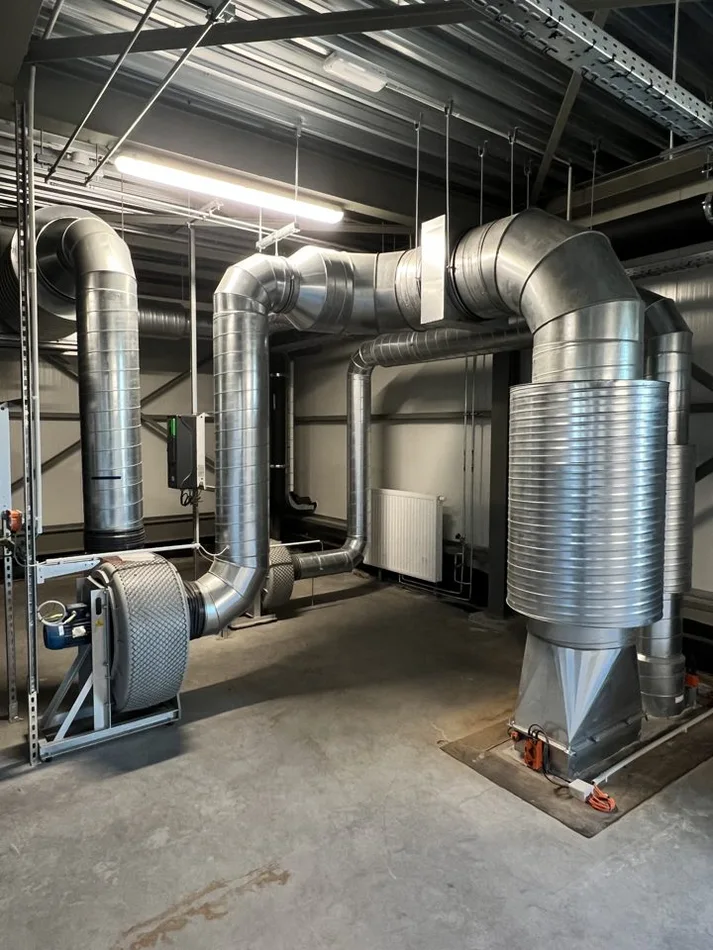
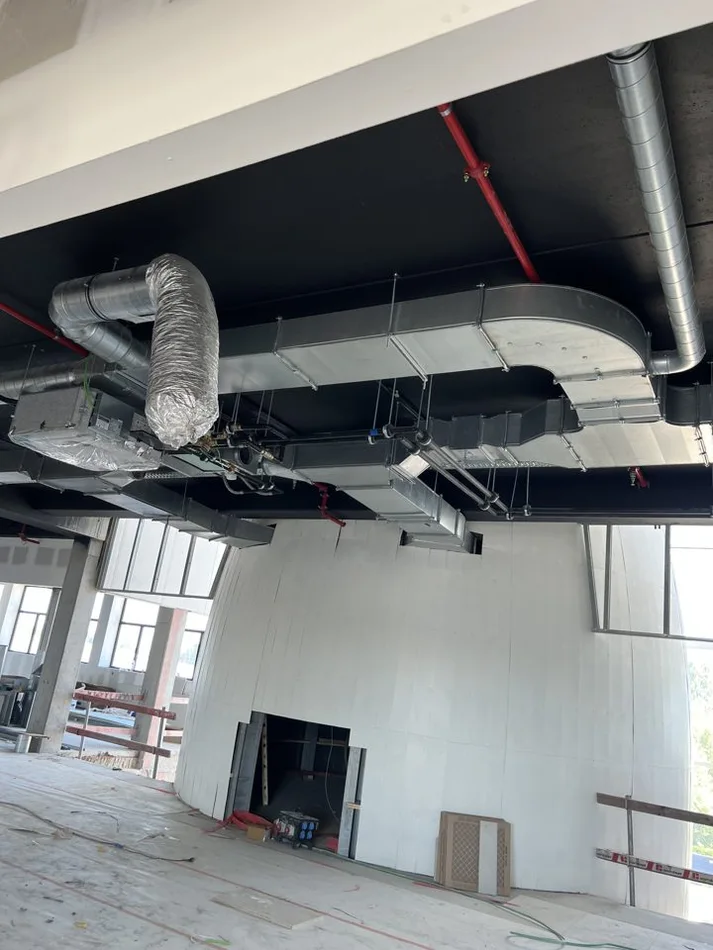
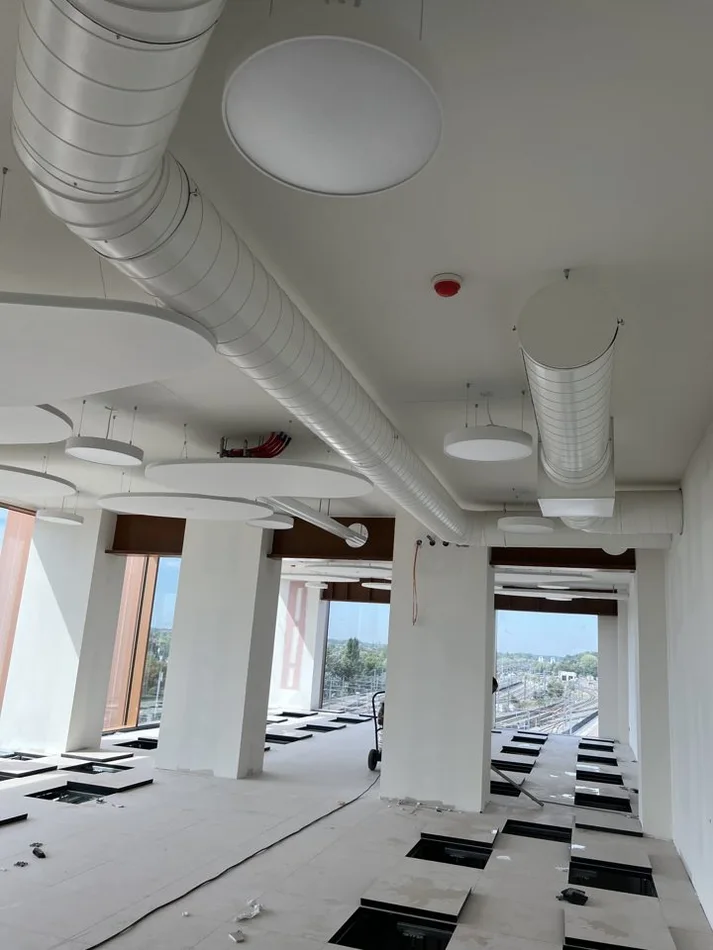
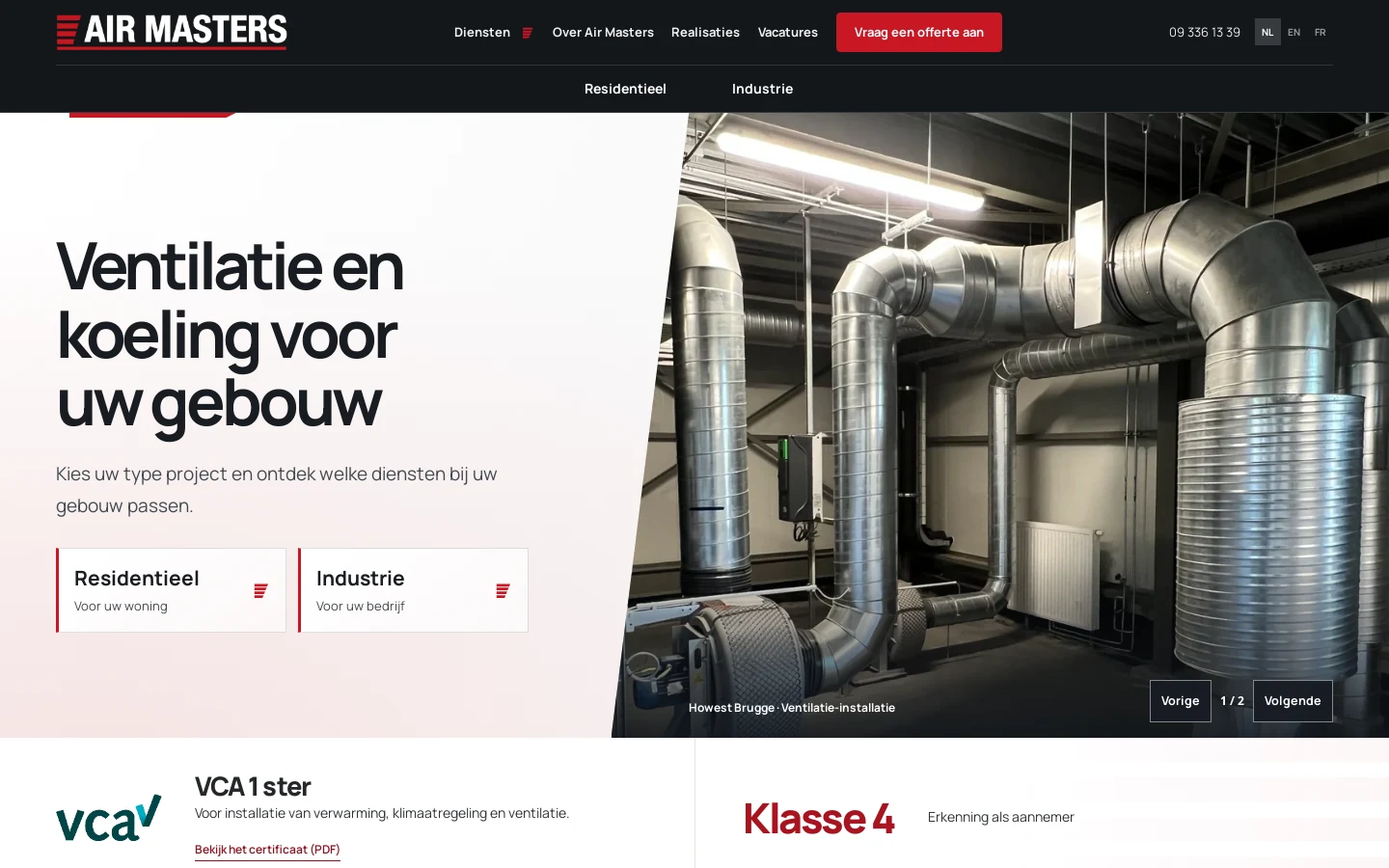
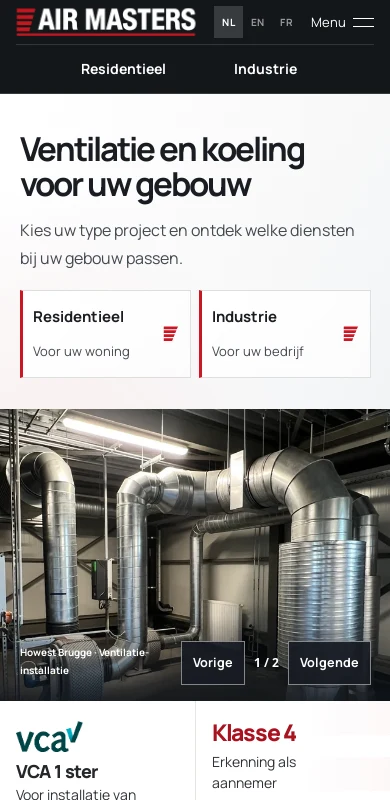
We built a trilingual website that routes visitors to residential or industrial solutions from the home page. Ductwork, ventilation, air conditioning and maintenance each have a dedicated page. Site photography showcases the installations, and careers pages cover roles for project managers and technicians.

CRM

The CRM brings site and office work into the same project file. Teams can track photos, documents and reports, schedule crew and vehicle assignments and record hours, mileage and updates against the project.

Projects featured on the website

What we built for the Air Masters CRM

The CRM follows work from the initial enquiry through site reporting and administration. Field teams and office staff work from the same project file.

Customers, leads and quotes

Customer records collect contact details, enquiries and follow-up. Quotes stay linked to the customer and project, with digital signing in the sales workflow.

Project files and site reports

Each site has a project file with tasks, notes, documents, folders and photos. Technicians can add hours, photos and progress updates on the go.

Scheduling, teams and vehicles

Scheduling assigns staff and company vehicles to each site. The workflow records working hours, clock-ins and clock-outs, mileage and drivers. Employees have their own accounts and can report absences.

Invoicing, costs and reporting

The administrative workflow covers invoices, credit notes, purchase orders, delivery notes, reminders and expenses. Project budgets bring together labour and purchasing costs. Reports cover projects, hours, mileage and costs.

Documents and communication

A shared document workspace keeps files linked to the right project. Website enquiries, email follow-up, email marketing and social publishing are also part of the project design.

Integrations and AI

The integration scope covers Peppol, banking data and an AI assistant for questions and drafting quotes and other documents.
Workflow examples

An enquiry becomes a customer file

A request for a ventilation installation is recorded with contact details, site information and documents. The sales team can follow up from one customer file.

From quote to planned work

The quote and project information stay together. Planning assigns the team and vehicle, so the office and site crew work from the same project context.

Site updates become project information

Employees record time, add photos and prepare a site report. The office can use these inputs for project follow-up and budget monitoring.

From project costs to invoicing

Hours and purchases provide context for costs, reporting and invoice preparation. Documents remain linked to the relevant project.

Which process could work better?

We start with your workflow, tools and goals, then agree a practical first step.